
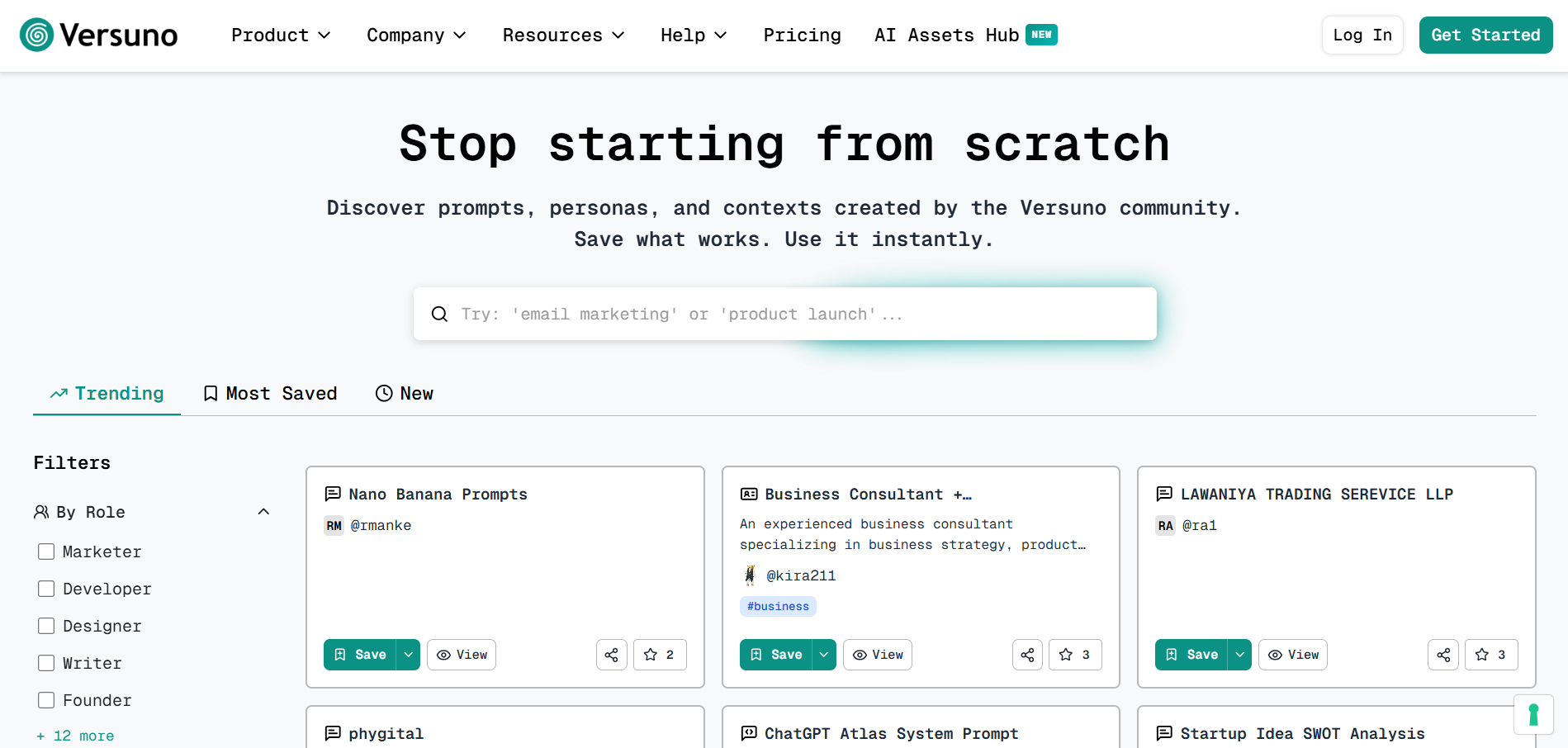
AI Assets Hub 2.0: Find What You Need in Seconds
The AI Assets Hub has been completely redesigned to make discovering and using community assets faster, easier, and more powerful.
What's New
Powerful Search & Smart Filters
Find exactly what you need across 800+ community assets:
- Full-text search - Search across titles, descriptions, tags, and content
- Filter by Role - Marketer, Developer, Designer, Writer, and more
- Filter by Use Case - Content Creation, Code Generation, Strategy & Planning, and 15+ more
- Filter by AI App - See which assets work best with ChatGPT, Claude, Perplexity, Gemini, or Grok
- Filter by Asset Type - Prompts, Personas, Contexts, or System Prompts
💡 Pro Tip: Combine filters for laser-focused results. Example: Role: "Marketer" + Use Case: "Content Creation" + AI App: "ChatGPT"
Organized Discovery Tabs
Assets are now organized into tabs to help you discover what matters:
- Trending - See what's popular right now (most activity in the last 7 days)
- Most Saved - Discover proven, high-quality assets (highest saves of all time)
- New - Explore fresh additions from the community (published in the last 30 days)
- All - Browse the full catalog of 800+ assets
One-Click Actions
Every asset now has instant actions that save you time:
- Copy - Copy asset content to clipboard instantly
- Open in ChatGPT/Claude/Perplexity - Launch directly in your AI tool with content pre-filled
- Save - Add to your library with one click
- Share - Get a shareable link for teammates or community
💡 Tip: Click "Open in Claude" or "Open in ChatGPT" to test any asset instantly—no copying and pasting needed!
Create Better Assets
We've made creating and managing assets more powerful:
- Markdown Support - Format descriptions with links, lists, bold, italic, and more
- Rich Metadata - Add roles, use cases, AI apps, and best models to help others discover your assets
- Analytics - Track views and saves on your public assets to see what's working
- Quick Toggle - Switch between public and private with one click
Why This Matters
Before: Scrolling through hundreds of unfiltered assets to find what you need.
Now: Search, filter, and discover in seconds. Test assets with one click. Save what works instantly.
No more wasted time. Just fast, focused discovery.